Project Management
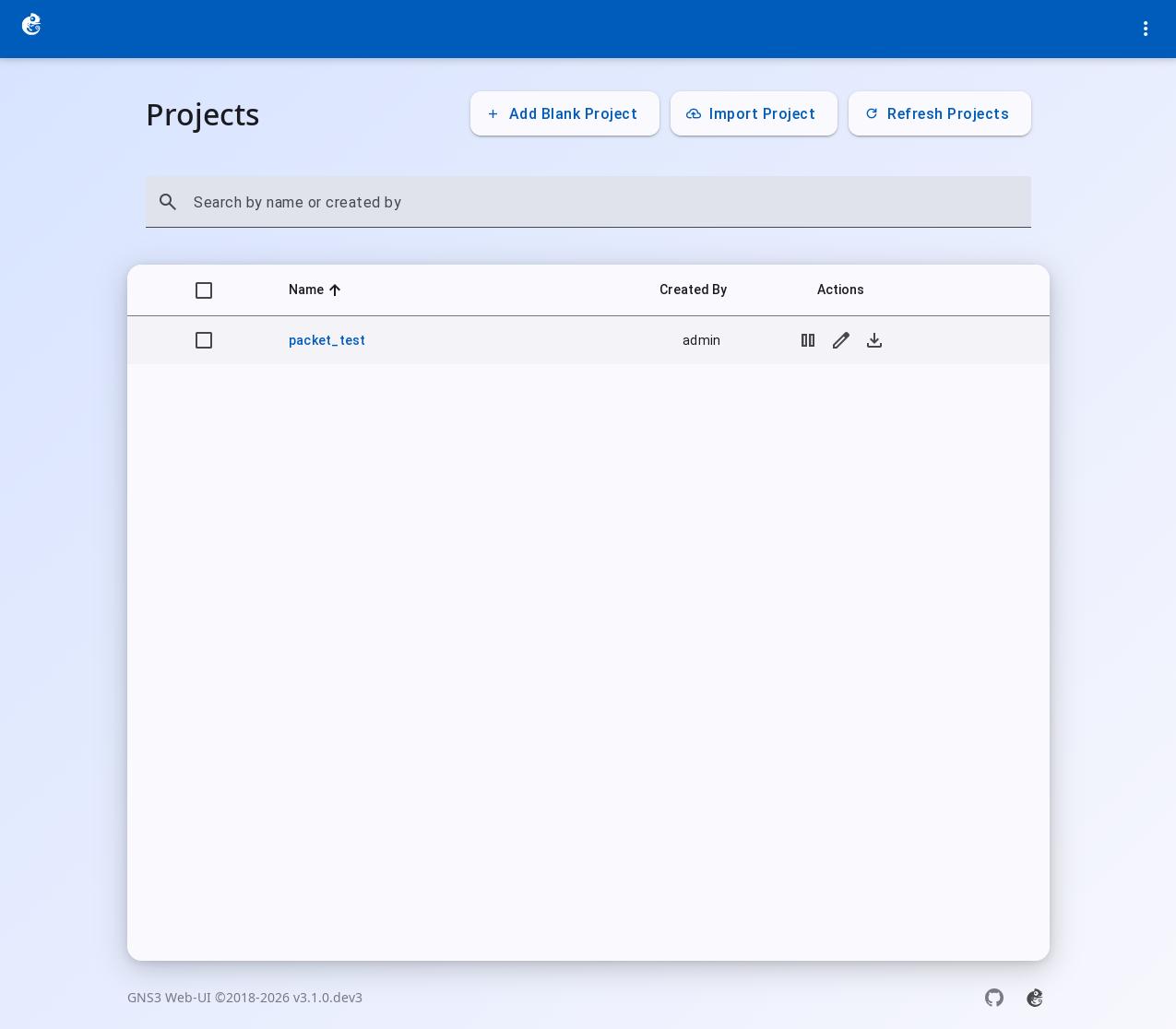
GNS3 Web UI is a browser-based network simulation management interface. After you log in, the first page you see is the project page.
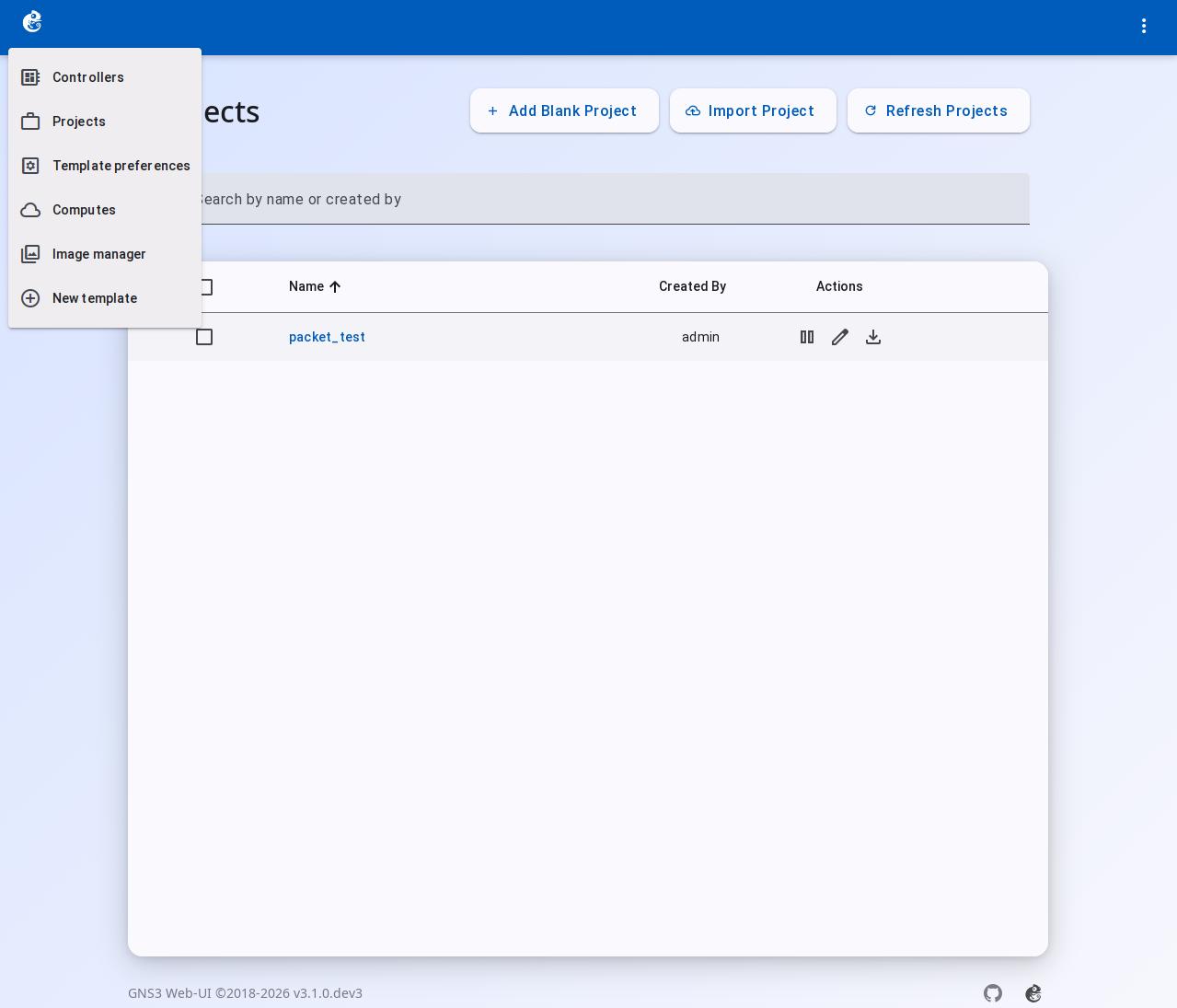
- Top left corner: The GNS3 Logo is the main menu button. Click it to open a menu with these items:
ControllersProjectsTemplate PreferencesComputesImage ManagerNew Template
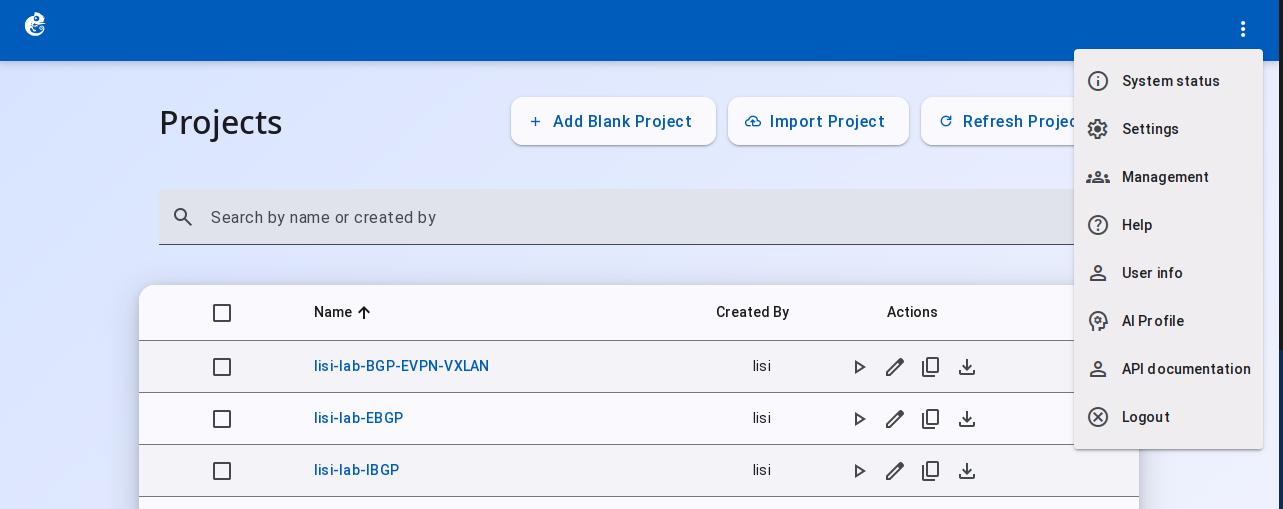
- Top right corner: More menu (three dots). Click it to open a menu with these items:
System StatusAI ProfileSettingsManagementHelpUser InfoAPI DocumentationLogout
- Middle area: The project list. You can do these actions:
Add Blank ProjectImport ProjectRefresh Projects- For each project:
Open/Edit/Copy/ Export / Delete