How to edit link styles
The Link Style Editor allows you to customize the visual style of links between nodes in your GNS3 project, including color, width, border type, and link type (Straight, Bezier, Flowchart, StateMachine, etc.).
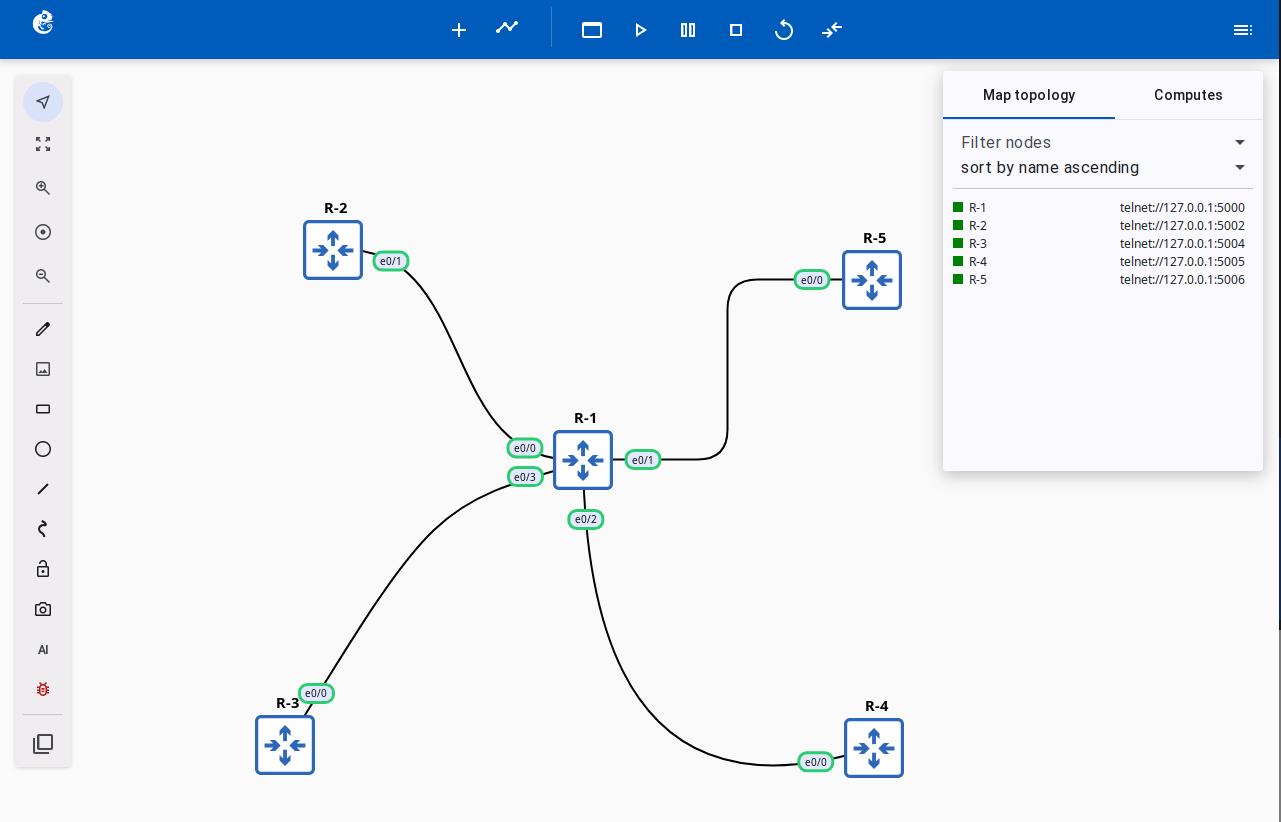
Opening the Editor
Right-click on a link between two connected nodes and select Edit style.
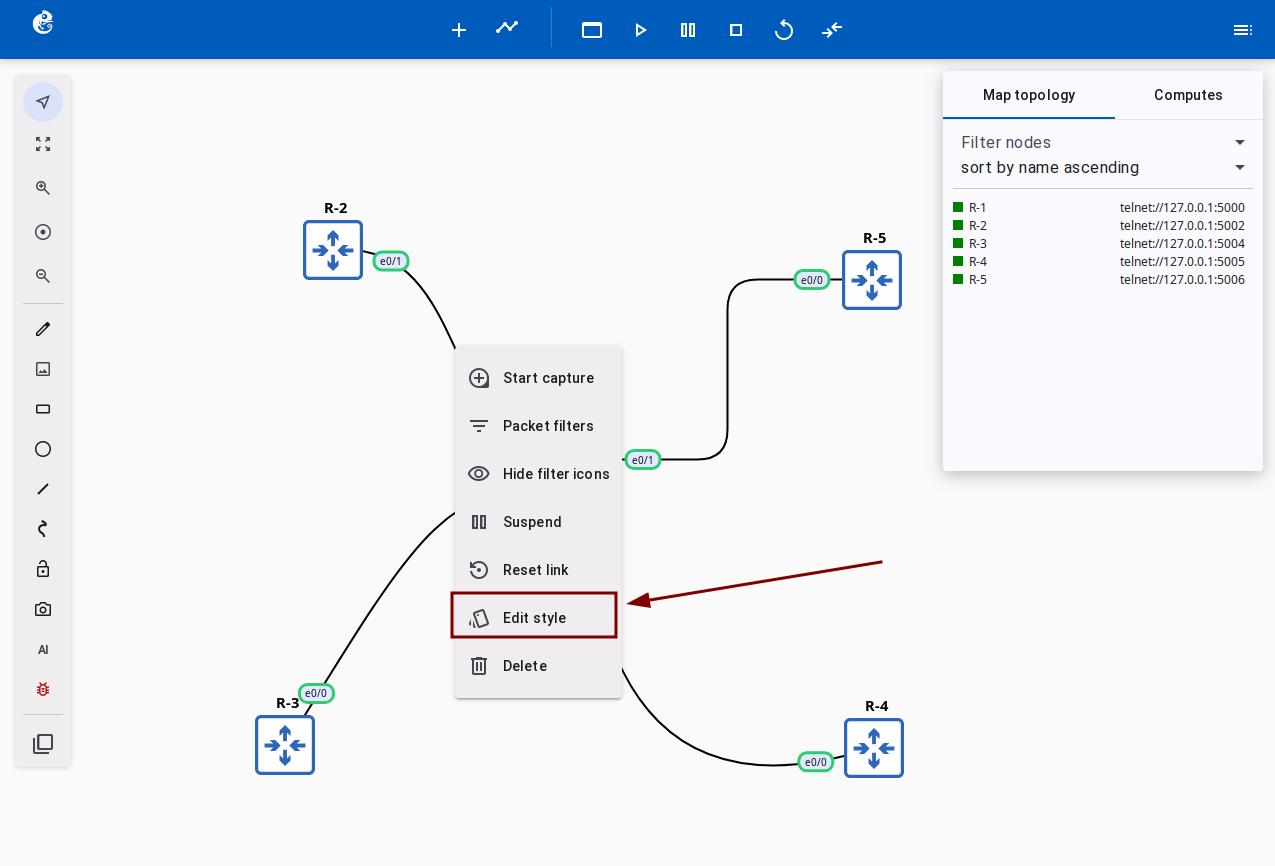
Style Properties
| Property | Description |
|---|---|
| Border Color | Color picker. Default: #800000 (maroon) for serial links, #000000 (black) for others |
| Border Width | Numeric input, range: 0–100 |
| Border Style | Solid, dashed, dotted, etc. |
Link Types
Choose the link type that best suits your topology visualization needs.
| Type | Description | Use Case |
|---|---|---|
| Straight | Direct straight line between two points | Regular network topology |
| Bezier | Smooth bezier curve | Visually smooth links |
| Flowchart | Flowchart-style connection (with rounded corners) | Flowcharts, architecture diagrams |
| StateMachine | State machine-style connection (adjustable curvature) | State transition diagrams |
| Freeform | Freeform path with drag control | Custom path visualization |
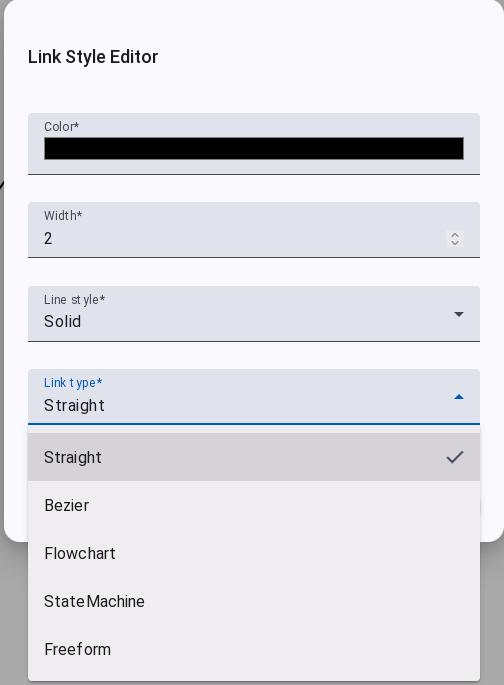
Dynamic Parameters
| Parameter | Applicable Types | Description |
|---|---|---|
| Bezier Curvature | Bezier, StateMachine | Controls the curve bending degree |
| Flowchart Corner Radius | Flowchart | Controls the corner roundness |